
PandaDoc and Docusign compared head-to-head: features, integrations, and pricing of the two eSignature solutions — plus top.legal as a full contract management alternative.
In the past, companies had to print out all contracts or agreements that required a signature, sign them and then scan them back into the computer. However, thanks to software such as PandaDoc and Docusign, it is now possible to sign documents electronically.
Docusign and PandaDoc are two well-known, market-leading software solutions for electronic signatures, each with tens of thousands of users. So the question is: which platform is best for your company?
In this article, we'll compare the features and benefits of PandaDoc and Docusign. Plus, we'll introduce you to another option that we think is worth considering.
What is the Difference Between PandaDoc and Docusign?
Here's a quick overview of what each platform has to offer:
PandaDoc
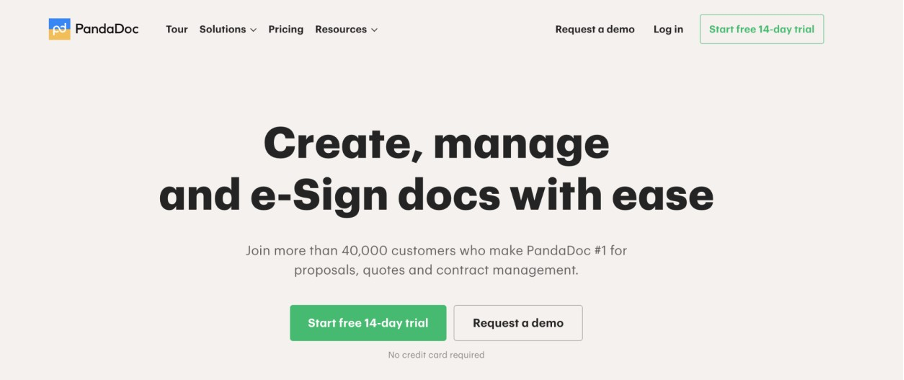
PandaDoc is a cloud-based document management tool that makes it easy for companies to create digital documents such as offers, cost estimates, personnel documents, contracts, and much more. It does this by streamlining the procedures for viewing, editing, and obtaining electronic signatures from sales representatives.
Docusign
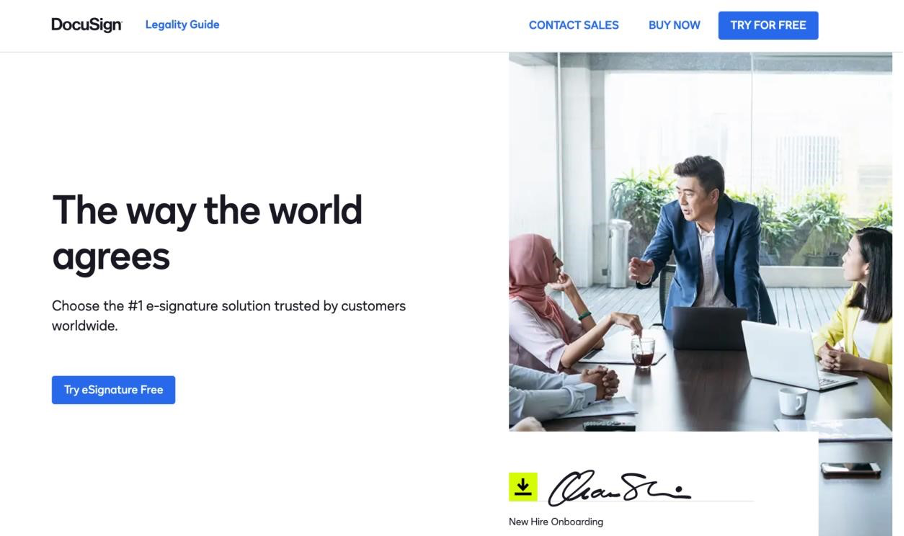
Docusign is a more comprehensive document creation platform that provides robust and powerful features that enable companies and professionals to set up an automated workflow for collecting signatures and tracking documents. Founded in 2003, the software is a cloud-based e-signature tool that supports companies of all sizes.
Feature Comparison: PandaDoc vs Docusign

Key features:
- Electronic signature: Enables legally valid electronic signatures. This means you can sign documents electronically instead of printing them out and signing them by hand.
- Document management: With PandaDoc's document management system, you can store, share, and track all of your documents. This can make it easier to keep track of important documents, such as contracts and agreements.
- Standard document editing: With this feature you can upload your Docx files and edit them directly in PandaDoc.
- Integrations: You can automate the document signing process and save time by integrating PandaDoc with a variety of popular enterprise software platforms, including Salesforce, HubSpot, and Zoho CRM.

Key features:
- Electronic signature: With Docusign's eSignature solution, you can send and sign contracts from virtually anywhere, at any time, on a variety of devices.
- Template management system: With Docusign, you can also create your own templates instead of offering pre-built templates. Companies that frequently need to sign these types of documents can benefit from this tool.
- Document editing: Allows users to edit documents electronically. In this way, contracts or agreements can be amended without having to print them out and sign them by hand.
- Integrations: Salesforce, Google Docs, and Microsoft Office 365 are just a few of the business apps that Docusign integrates with.
- Two-factor authentication: Docusign offers two-factor authentication to increase security, which is not the case with PandaDoc.
Pricing
Both Docusign and PandaDoc offer tiered pricing so you can match a plan to your budget, and both provide a free trial. The prices below are accurate as of June 2026 — always check the current terms with each provider.
PandaDoc Pricing Plan
PandaDoc offers three service levels for individuals, small and medium-sized enterprises (SMEs), and large companies:
- Essentials: from $19 per user per month (billed annually), or $29 month-to-month.
- Business: from $49 per user per month (billed annually), adding CRM integrations and approval workflows.
- Enterprise: custom pricing (typically from ~$59 per user per month), depending on seat count, API usage, and support.
Docusign Pricing Plan
Docusign has a similar three-tier structure aimed at different types of business users:
- Personal: from $10 per month (single user, limited envelopes).
- Standard: from $25 per user per month (billed annually).
- Business Pro: from $40 per user per month (billed annually); the AI-powered IAM plans sit above these.
top.legal - A better Alternative to PandaDoc and Docusign
If you're looking for an alternative to PandaDoc or Docusign with electronic signature features and more features, we're convinced that top.legal should be your first choice.
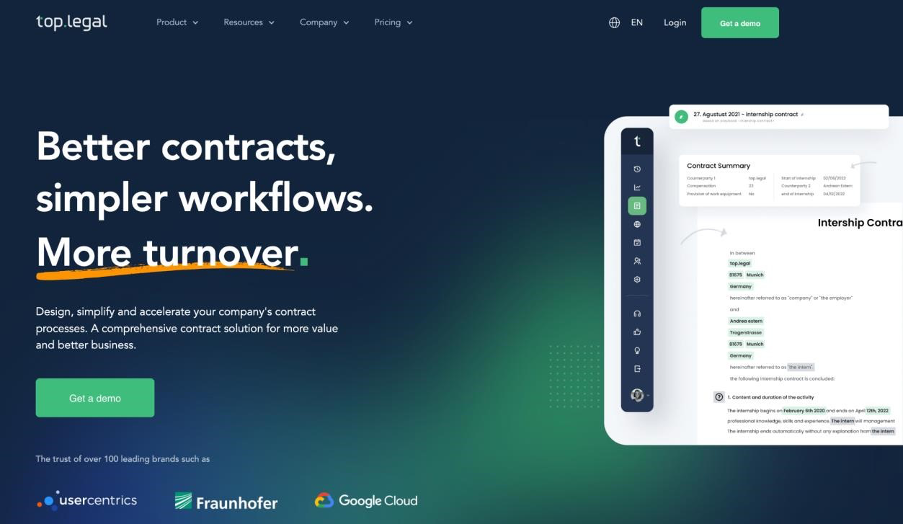
top.legal is an all-in-one contract management solution that integrates an advanced eSignature solution into its digital workflow. Our mission is to redefine how legal and business teams draft, negotiate, sign, and manage contracts. Our solution is easy to use, fast, and scalable.
Key features:
- Quick drafting of contracts: Use a predetermined set of contract clauses and templates to streamline the contract creation process.
- Work and negotiate in real time: Using markup, you can easily make changes to documents, add internal and external comments, and negotiate the terms of the agreement with the other party in real time.
- Sign contracts anywhere, anytime, on any device: Sign contracts quickly and securely with an advanced e-signature tool. Signing documents with your mobile phone number is one of our special features.
- Real-time notifications and alerts: No more missed milestones. You can set automatic reminders and alerts when a contract is due or about to expire
- Store and organize documents in one place: With top.legal's contract software, all contracts are digitized and can be securely stored in a central contract repository. Access to contracts is completely under your control.
- Works seamlessly with the apps you use: top.legal offers various integration options, including Google Drive, Teams, Slack, HubSpot, Salesforce, and more.
Are You Interested in Further Information?
If you are interested in an in-depth analysis of the similarities and differences between the solutions mentioned above, read the following articles:
- top.legal vs. Docusign: What's the difference?
- Comparison of PandaDoc vs. top.legal: features and limitations
- PandaDoc alternatives: 5 tools compared
For a full view of the market, see our contract management software comparison.
Ready for the next step?
Book a demo with our team and see top.legal in action