
Looking for a Microsoft Word alternative for contracts? Compare free office suites like LibreOffice and OnlyOffice with purpose-built contract platforms that speed up drafting, negotiation and signing.
How do you manage contracts in the digital age — the agreements that protect your company's most valuable relationships, revenue and resources?
Most teams still take the approach they have used for decades. Even today, Microsoft Word remains the most common tool for drafting and negotiating contracts, and it is easy to see why: nothing feels faster than opening a blank document and starting to type.
But "easy to start" is not the same as "good for contracts". Here is where Word falls short:
- You can never be sure a template is still current and legally sound.
- During negotiations, versions multiply fast, and feedback gets buried in endless email threads — a problem that runs through every stage of the contract negotiation process.
- Word offers no real-time collaboration, so teamwork stalls.
- Once a contract is exported to PDF, all the negotiation history is gone.
- A signed PDF carries no metadata, so post-signature tracking of deadlines and obligations is impossible.
Read our guide to the limitations of Word for contracts to see why drafting agreements in Word creates hidden risk — and how AI is replacing the traditional word processor for legal work.
The best MS Word alternatives for contracts
There are two ways to move on from Word. You can switch to another office suite that works like Word but costs less, or you can adopt a purpose-built contract platform that handles the whole contract life cycle. Below we cover both.
Free office-suite alternatives to Microsoft Word
If you simply want a familiar word processor without the Microsoft 365 subscription, these open-source suites open and save .docx files and cover everyday document work.
1. LibreOffice
LibreOffice is the most widely used free, open-source office suite, maintained by The Document Foundation. Its word processor, Writer, is the direct Word equivalent and reads and writes Microsoft formats.
Why teams choose LibreOffice:
- Completely free, with no subscription or per-seat licence.
- Runs offline on Windows, macOS and Linux.
- Strong compatibility with
.docx,.xlsxand.pptxfiles. - Backed by an active open-source community and frequent updates.
2. OnlyOffice
OnlyOffice is an open-source suite known for the closest formatting match to Microsoft Office. It combines document, spreadsheet and presentation editors with real-time co-editing, and can run in the cloud or be self-hosted on your own servers.
Why teams choose OnlyOffice:
- High-fidelity handling of Microsoft file formats.
- Real-time collaborative editing for distributed teams.
- Self-hosting option for full control over where documents live.
- Version history and comment tracking on every document.
3. EuroOffice
EuroOffice is a lightweight office suite built on the OpenDocument standard, positioned as an affordable, no-lock-in replacement for Microsoft Office. It covers word processing, spreadsheets and presentations, with optional add-ons for specialised tasks.
Why teams choose EuroOffice:
- Low-cost licensing aimed at cost-conscious businesses.
- Open, standards-based document formats that avoid vendor lock-in.
- Familiar interface for anyone moving across from Word.
4. Nextcloud Office
Nextcloud is a self-hosted content-collaboration platform, and Nextcloud Office adds in-browser document editing on top of it. Because everything runs on your own infrastructure, it is a popular choice for privacy- and GDPR-conscious organisations that want to keep documents in-house.
Why teams choose Nextcloud Office:
- Documents stay on your own servers — a strong fit for data-protection requirements.
- Browser-based editing and real-time collaboration without a Microsoft subscription.
- Combines file storage, sharing and editing in a single platform.
- Open source, with a large ecosystem of integrations.
Purpose-built alternatives for contract work
An office suite still leaves you emailing documents back and forth. For contracts specifically, the tools below are designed around drafting, approval, signing and post-signature tracking — the things a word processor was never built to do.
5. top.legal
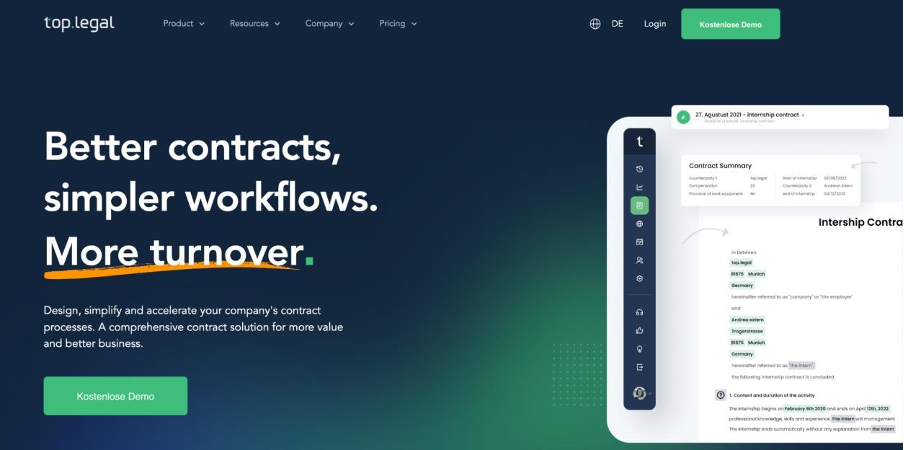
top.legal is an end-to-end platform for collaborating on and managing contracts. It lets companies close deals faster while gaining deep insight into their contract data. The AI-supported system helps you create, negotiate, sign and analyse contracts — saving teams up to 96% of the time they spend on contracts.
Key benefits of top.legal:
- Keep every template current in a centralised, secure database instead of scattered across local drives.
- Automate approval workflows and alerts so internal and external sign-offs happen faster.
- Collaborate in real time by sharing and editing documents with both internal and external users.
- Never miss an obligation, thanks to automatic reminders for contract deadlines.
- Send unlimited electronic signatures at no extra cost.
- Access every active contract, on any device, across its full life cycle.
6. Documate
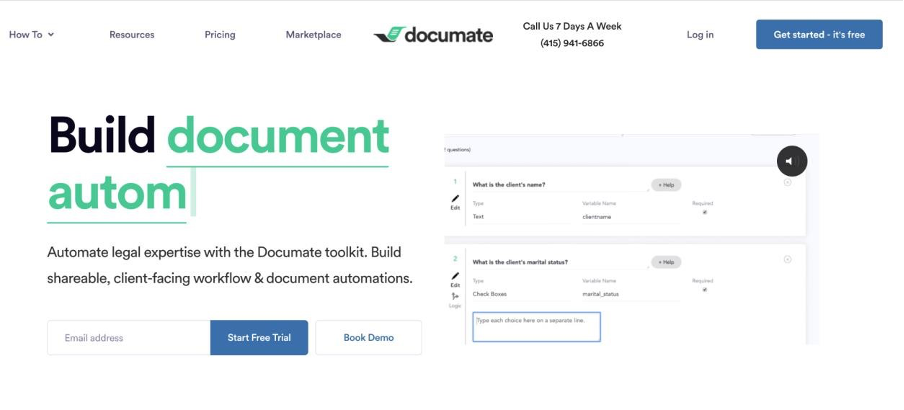
Documate is a no-code document-automation tool. It lets teams build guided questionnaires that collect information, populate that data into templates, and share the finished documents with colleagues and clients.
Key benefits of Documate:
- Publish document workflows online so clients can complete them themselves.
- Multiple layers of encryption keep sensitive client data secure.
- Automation removes the need to fill the same fields into document after document.
- Add the right clauses to a template and share drafts with clients in a few clicks.
7. Revv
Revv is a modern eSignature and document-automation tool. You can upload external Word or PDF files to send for signature, or build documents from a large template library, and it supports a range of signature types for different scenarios.
Key benefits of Revv:
- A full audit trail for document control on every transaction.
- Dynamic form fields that speed up document creation.
- Bulk send to deliver one document to many recipients automatically.
- Send, edit and upload PDF or DOCX files for electronic signature.
8. Zoho Docs
Zoho Docs (now part of Zoho WorkDrive) is a simple, secure document-management workspace for creating, sharing and collaborating on documents inside your organisation or with external partners and clients.
Key benefits of Zoho Docs:
- Start from built-in templates or import an existing document from your desktop.
- Create and edit on any device with desktop and mobile apps.
- A broad set of sharing and collaboration features.
- Administrative controls that scale to larger organisations.
9. DocsCloud
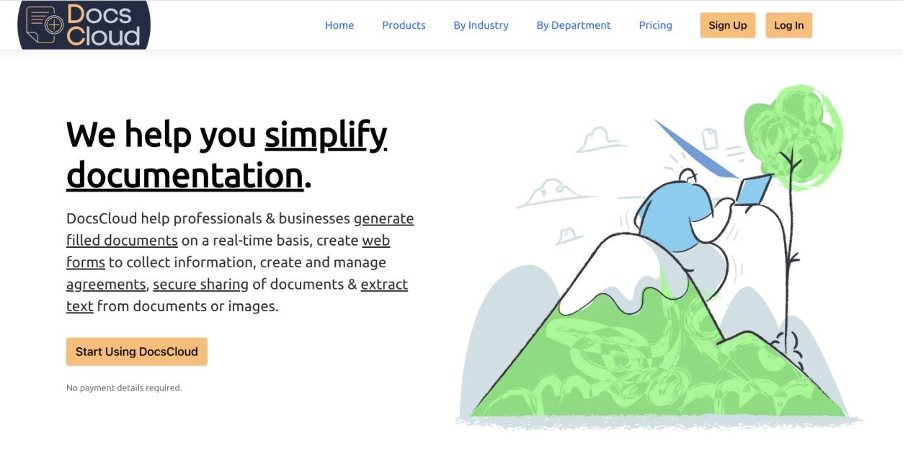
DocsCloud is a web-based platform for building web forms, generating completed documents from templates, managing and digitally signing documents, hosting them, and extracting text from documents and images.
Key benefits of DocsCloud:
- Generate finished business documents with the DocTemplate module and Form Builder, or via third-party integrations.
- Send, track and manage documents for e-signature — audit trail included — with DocSignature.
- Collect completed PDFs directly from clients through auto-generated forms.
How to choose the right MS Word alternative
Match the tool to the job:
- You just need a free word processor. Choose an office suite — LibreOffice for a familiar desktop experience, OnlyOffice for the closest Microsoft compatibility and real-time editing.
- Data must stay in-house. Self-host with Nextcloud Office or OnlyOffice to keep documents on your own servers.
- You want the lowest possible cost. EuroOffice and LibreOffice remove licence fees entirely.
- Contracts are central to your business. A word processor will not solve version chaos, missed deadlines or lost negotiation history. A dedicated contract platform such as top.legal manages the entire life cycle — from drafting and negotiation through electronic signature to post-signature tracking. (Prefer to sign inside Word for now? Here's how to insert a signature in Word.)
If contracts are where your team loses the most time, the real upgrade is not another word processor — it is contract-management software built for the job.
Ready for the next step?
Book a demo with our team and see top.legal in action